


.svg)

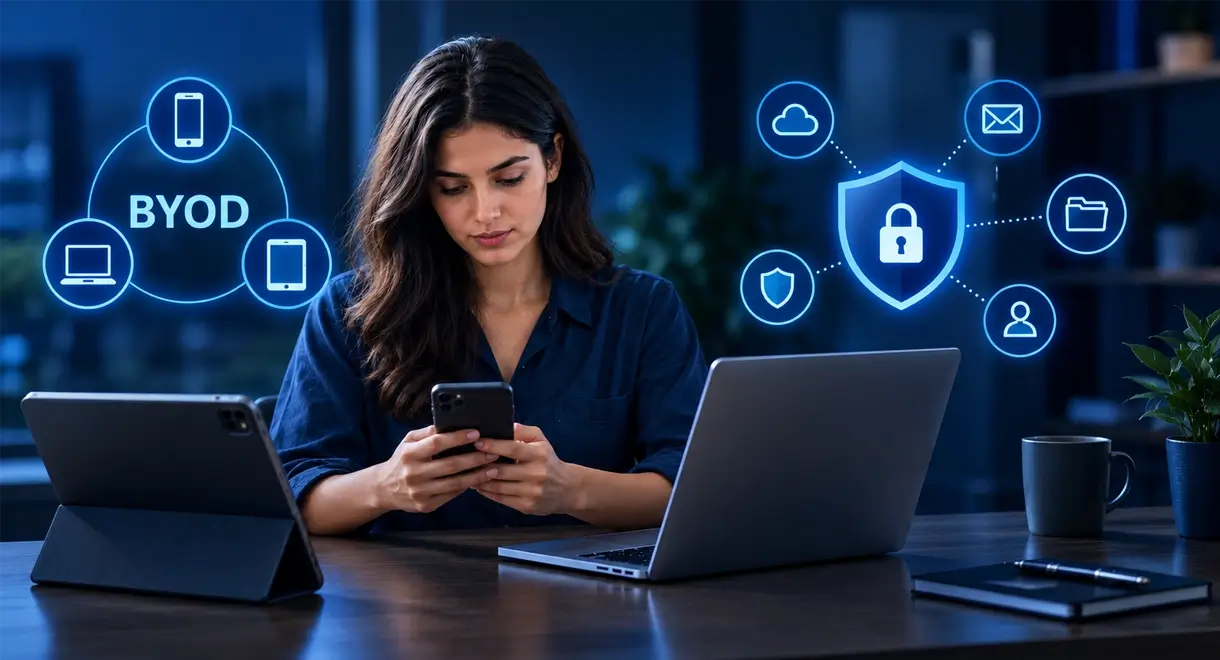

Allowing employees to use personal phones, laptops, and tablets for work has become increasingly common in many small businesses, especially with expanded remote work options. Bring your own device (BYOD) policies can be flexible, convenient, and cost-effective, and they often help people stay productive outside the office. The problem is that personal devices also often introduce significant security and operational risks for an organization.
Main Risks of BYOD
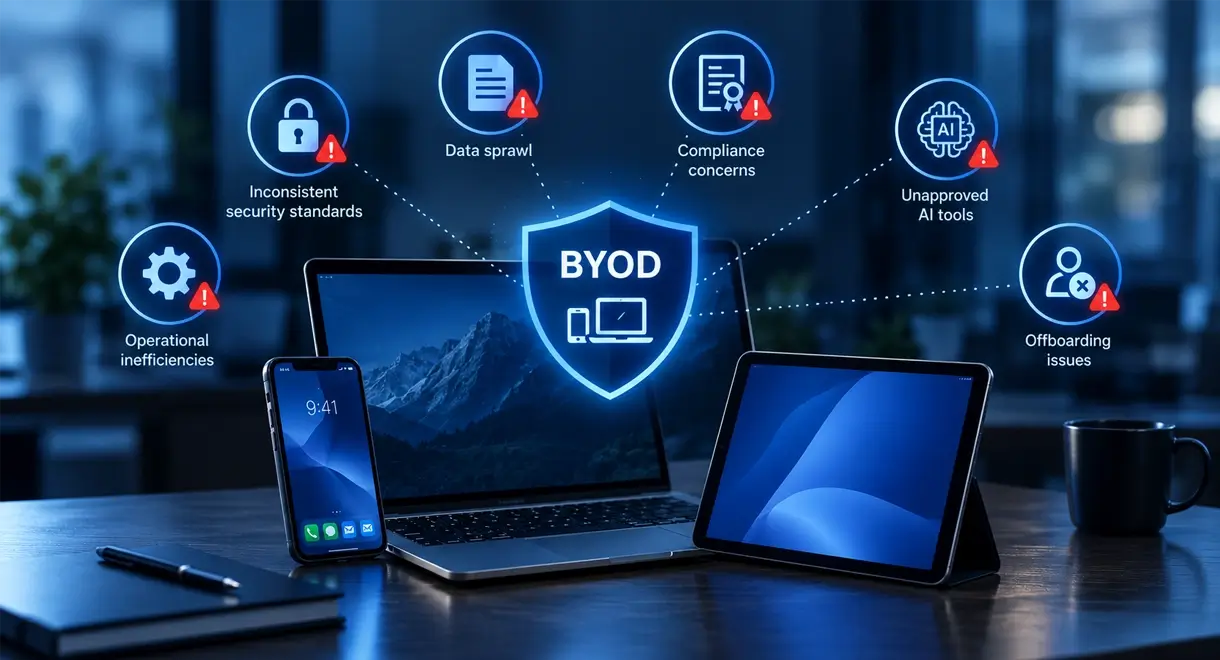
Inconsistent security standards
The main issue with personal devices is that they are usually managed by the employee, not by the business. That means devices may not receive consistent updates, strong authentication standards, endpoint protection, or centralized monitoring. For example, a phone used for both work email and personal apps can become an easy entry point for phishing, malware, or credential theft. Once an attacker gains access to a personal device, business emails, files, and connected systems may also be exposed.
Data sprawl
Another major risk is data sprawl. When employees use personal devices for work, sensitive information can end up in unsecured apps, personal cloud accounts, text messages, or local downloads. Client records, financial details, contracts, and internal documents may no longer stay within company-controlled systems. If a device is lost, stolen, or shared with family members, the business may have little ability to protect or recover that information. Access control becomes more difficult as well.
Compliance concerns
Demanding security standards such as CMMC require strict protection of sensitive information. Weak security on employee personal devices can put an organization out of compliance and create risk around winning or maintaining government contracts.
Unapproved AI tools
Employee use of unapproved and unmonitored AI tools on personal devices can create additional exposure. Attackers continually look for vulnerable access points, and unsanctioned AI tools can introduce new paths into business data and systems.
Offboarding issues
When someone leaves the organization, removing business access from a personal device is not always completed. Email profiles, shared passwords, cloud apps, and downloaded files may stay available longer than intended. Without clear offboarding procedures, sensitive client information can remain with former employees. A common problem occurs when firms allow personal devices and in offboarding only remove email access and not cloud apps or local downloads that can contain protected client information. This continued access is especially concerning if the employee left on bad terms.
Operational inefficiencies
There are also potential operational costs to BYOD. Personal devices vary widely in quality, configuration, and software versions. That inconsistency can create support problems, slow performance, compatibility issues, and more time spent troubleshooting. What initially seemed like a cost-saving measure can quickly increase downtime and IT complexity. These risks do not mean personal devices can never be used for work. They do show that BYOD should not be used without structure. Businesses that want to use personal devices effectively need practical controls like the ones below.
Recommended Steps for Small Businesses to Optimize BYOD
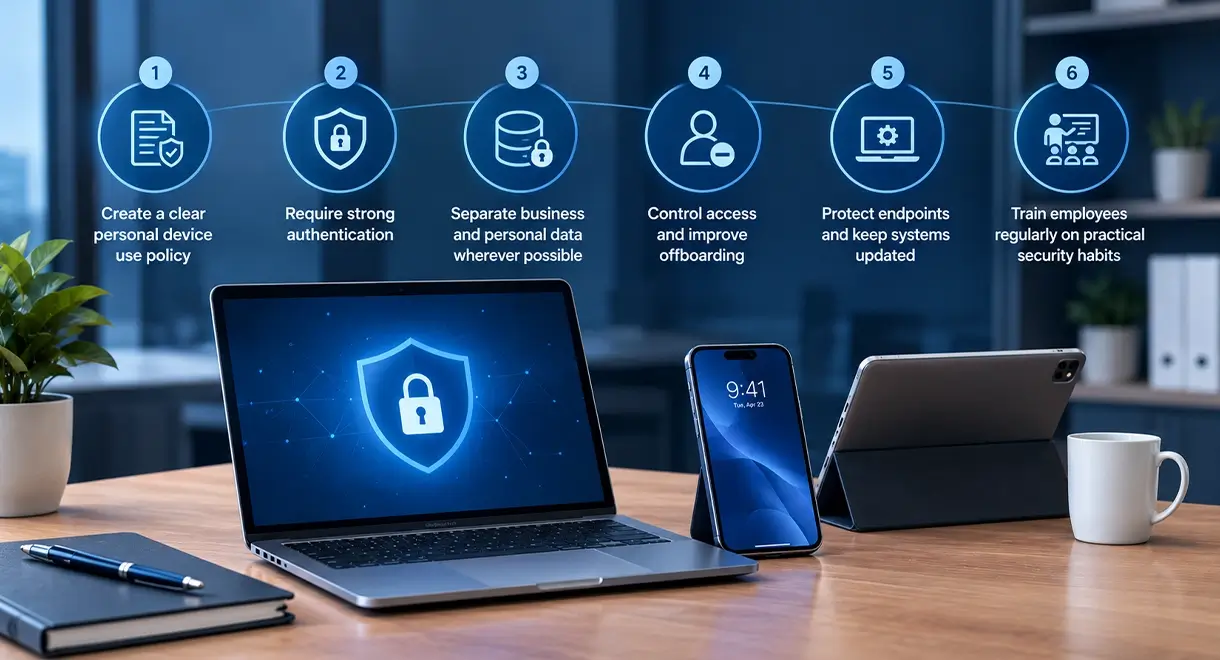
- Create a clear personal device use policy
Define what personal devices may be used for, what data can be accessed, and what security requirements apply. Employees should understand expectations around passwords, updates, app usage, and prompt reporting of lost or stolen devices. Policy violations should carry clear consequences. - Require strong authentication
Multi-factor authentication (MFA) should be required for email, cloud platforms, and business applications. Weak or reused passwords make it easier for attackers to access company systems. - Separate business and personal data wherever possible
Use company-approved applications and cloud services for work files and communications. Avoid storing sensitive business information in personal apps or unsecured local folders. - Control access and improve offboarding
Make sure access to business systems can be revoked quickly when roles change or employees leave. Limit access to those who need it. Shared logins for applications with sensitive information should be eliminated whenever possible. - Protect endpoints and keep systems updated
Devices used for work should have up-to-date operating systems, security patches, and appropriate protection tools. Unpatched devices are a common source of avoidable risk. - Train employees regularly on practical security habits
Most security incidents begin with a convincing phishing email or fake login page. Regular practical awareness training helps employees pause, verify, and report suspicious activity.
Work with an Experienced IT MSP to Effectively Manage BYOD Risk

A managed IT provider will take a direct role in reducing the risks of personal device use. An experienced IT MSP will assess current device practices, help create practical device policies, set up MFA, manage access controls, monitor endpoints, and support secure configurations across personal phones, laptops, and tablets used for work.
An IT Support partner will also improve offboarding so access is removed quickly when employees leave, keep systems updated, and train staff on phishing and practical security habits. Businesses that use BYOD policies can gain the benefits of flexibility when they also recognize the risks and put practical safeguards in place. An experienced IT MSP will provide ongoing support so personal devices remain productive at your organization without becoming an open door to cyber risk.